Check the source
Look for a sharp original rather than a screenshot or a copy saved repeatedly from a messaging app. Existing blur, blockiness and compression artifacts can remain visible—or become more obvious—when the picture is enlarged.
Image enlargement
A bigjpg picture enlarger is worth considering when an image looks fine at its current size but needs to fill more space. Start with the best source you have, then judge the enlarged result at its intended display size.
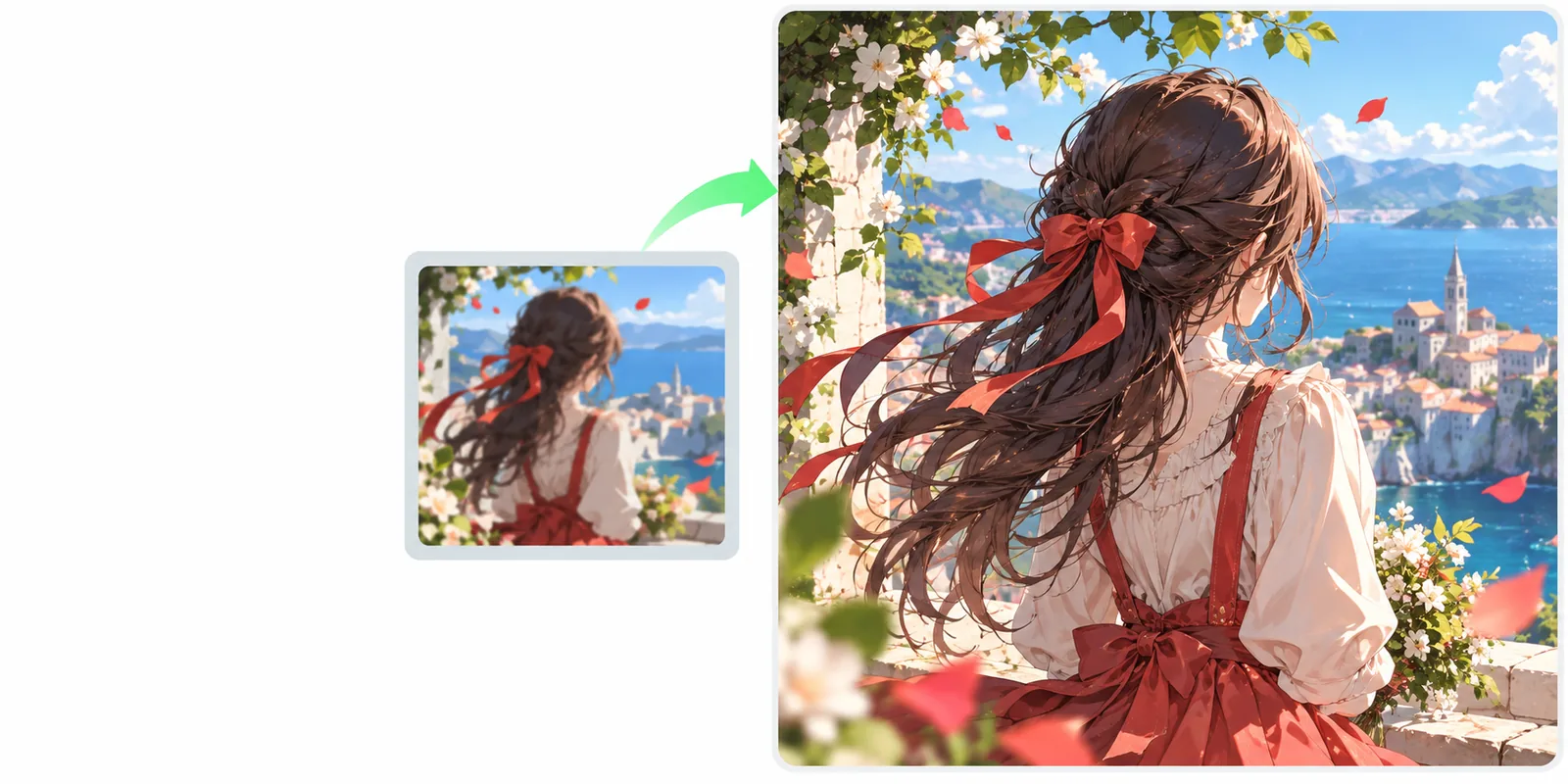
The picture enlarger use case begins with an existing image and a larger intended display size. A general overview covers Bigjpg more broadly; the pages below provide context if you are still deciding which question to answer first.
Read the general overview if you want to understand the name before planning an enlargement.
Explore the AI-focused explanation if you are curious how image processing differs from simply stretching pixels.
Compare other approaches if your image needs restoration or redesign rather than more display pixels.
Enlargement is a narrower task than general image editing. These checks help you decide whether making the picture bigger will actually improve its intended use.
Look for a sharp original rather than a screenshot or a copy saved repeatedly from a messaging app. Existing blur, blockiness and compression artifacts can remain visible—or become more obvious—when the picture is enlarged.
Decide whether the result is for a small screen, a presentation or a print. Each setting changes how closely people will inspect edges, text and fine detail, so there is no single enlarged size that suits every use.
Compare the source and output where the image will appear. Pay particular attention to faces, lettering and fine lines; a smooth-looking preview is not proof that those details will hold up when displayed larger.
Use this table to distinguish an enlargement request from a broader image-editing request. It describes how to frame the task, not a promise of particular controls or output settings.
Picture enlargement
An existing picture you want to keep recognizable.
General image editing
An image or idea that may need substantial changes.
Picture enlargement
Make the picture suitable for a larger display.
General image editing
Change its look, content or composition.
Picture enlargement
Find the highest-quality original available.
General image editing
Describe the changes you want to see.
Picture enlargement
Name the intended use and details to preserve.
General image editing
Explain the desired style or new elements.
Picture enlargement
Check edges, faces, text and repeated patterns.
General image editing
Check whether the requested changes appeared.
Picture enlargement
The image looks acceptable at its intended size.
General image editing
The edited image communicates the intended result.
A bigjpg picture enlarger request cannot guarantee that missing information will reappear. Treat the output as a result to inspect, especially when accuracy matters.
If a tiny source has lost facial features or fine print, enlargement may produce plausible-looking shapes rather than the original details.
WorkaroundFind a larger source file or rescan the original before trying enlargement.
Small lettering can change shape or remain difficult to read, even when surrounding areas look smoother.
WorkaroundRecreate important text from a verified source instead of relying on the enlarged picture.
Deep scratches, heavy blur and missing areas are restoration problems, not just size problems.
WorkaroundAddress the damage separately, then assess whether enlargement is still needed.
It describes the task of making an existing picture suitable for a larger display. The important test is not just whether the output has more pixels, but whether it looks acceptable at the size and distance where people will see it.
Not reliably. Enlargement may change the appearance of edges, but it cannot verify details that were absent from the source. A sharper original is usually the better starting point.
You can make preservation of linework, colors and recognizable features part of your request. Inspect the result closely, because fine lines and repeated patterns are places where changes may be easiest to spot.
View it at the intended display size rather than judging only a small preview. Check important details such as faces and words, and compare them with the source before using the result in a presentation or print.